Essay questions, plans and feedback from your lectures
Get an essay question on a lecture or a whole module, plan it one small step at a time, and get feedback on your thesis, each point, your conclusion and your style. Free.
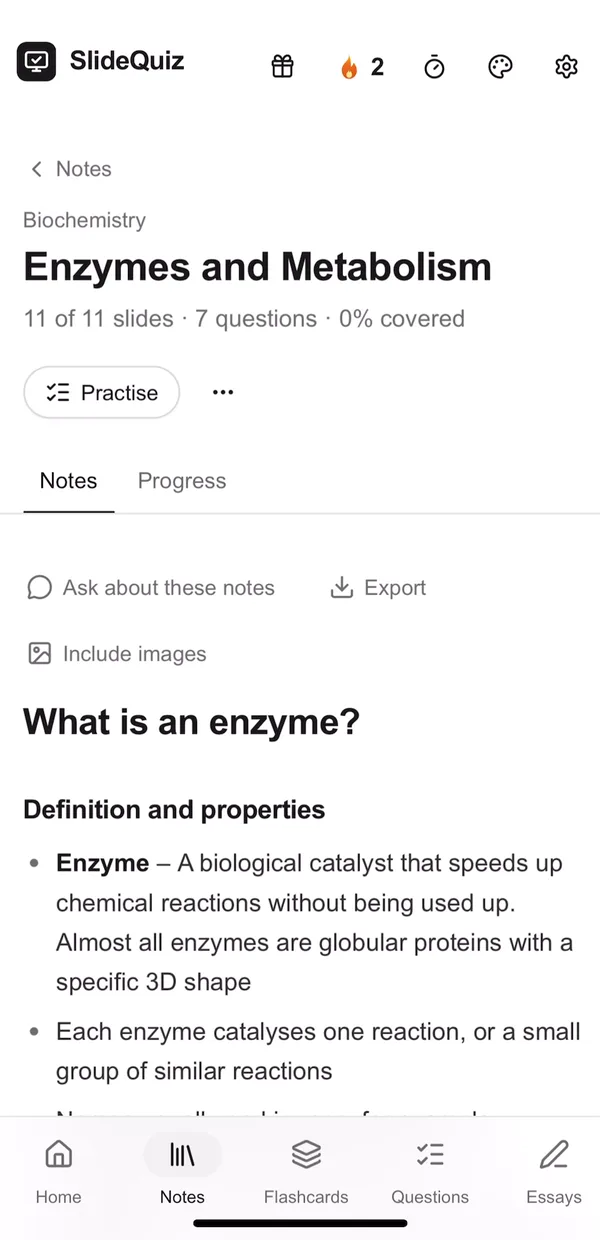
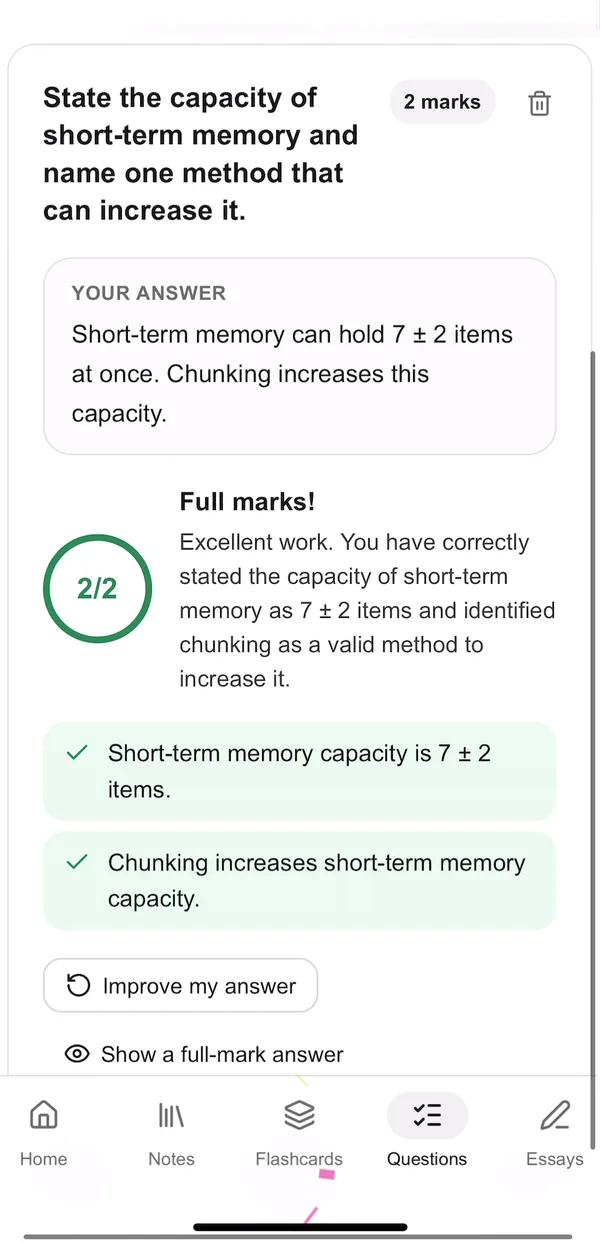
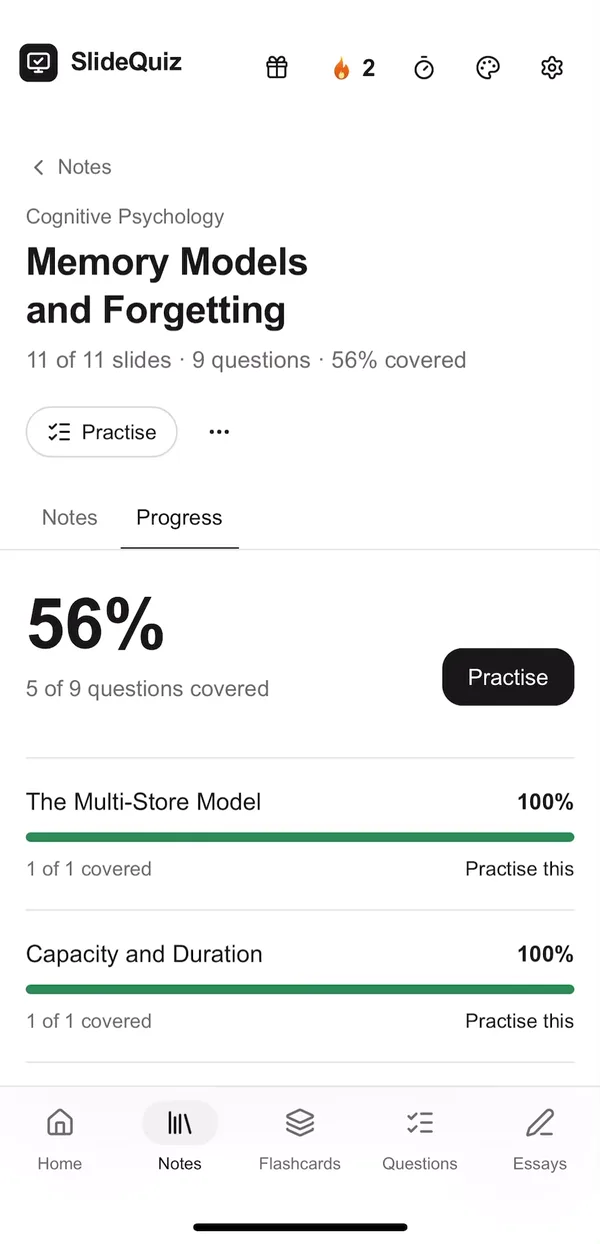
How it works
- 1Choose what it's on
One lecture, several lectures, or a whole module folder.
- 2Get a question
Exam-style questions (Evaluate, Discuss, To what extent and more), or type your own.
- 3Plan it step by step
Small boxes guide you through the introduction (context, key terms, scope, thesis), each point (topic sentence, evidence, explanation, link), the conclusion and your references.
- 4Get feedback
Notes on exactly which part to improve, from a missing thesis to evidence that isn't explained.
Your essay, not a ready-made one
SlideQuiz never writes your essay for you. It guides you through a strong structure and tells you what to improve, so you learn to write top-band answers yourself.
Questions
Is this free?
Yes. Essays are free with a free account. SlideQuiz Pro (£3.99 a month) adds more credits and extra tools.
Is SlideQuiz free?
Yes. A free account gets 10 credits a month. One credit makes notes, practice questions and flashcards for a normal lecture. Everything you make stays yours to revise from. SlideQuiz Pro (£3.99 a month, cancel any time) gives 100 credits a month.
Are my files uploaded anywhere?
Your files are read on your own device and never uploaded. To write your notes, questions and flashcards, the text of your slides is sent securely to our service provider (see the privacy policy). If you make an account, your notes and progress are also saved to it so you can use them on other devices. Your original files and slide pictures always stay on your device.
Do I need an account?
Yes, a free one. It takes about 20 seconds with just an email and password, needs no card, and keeps your work saved on any device.
What files can I use?
PowerPoint (.pptx), PDF, Word (.docx) and plain text. You can also paste notes straight in. Scanned pages and photos of slides can't be read yet, because there's no text in them to use.
Does it work on my phone?
Yes. It works in any modern browser, and you can add it to your home screen so it opens like an app, even offline.
Revise from your own slides
Upload a lecture and get notes, flashcards and practice questions in about a minute.
Try SlideQuiz free →